
Monitor the sitting
See camera and shared-screen feeds alongside progress and time remaining. Review alerts as the exam unfolds.
Explore live monitoringFor institutions and exam teams
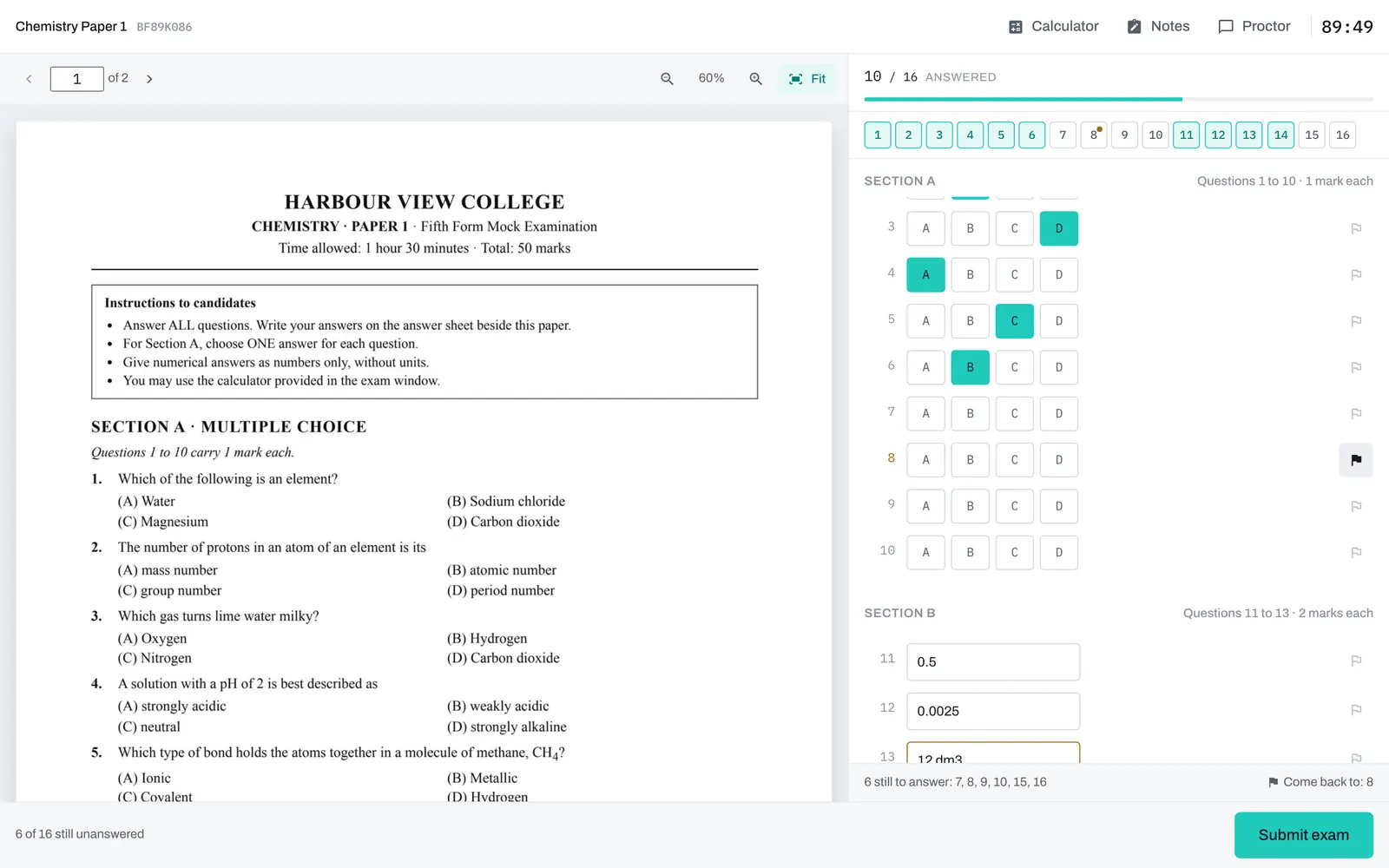
Bring your question paper or build an exam. Candidates answer online. Your staff supervise the sitting, review submissions, and release results.
Browser access or desktop app, based on your exam requirements.
Supervise
Enable monitoring for the exams that need it. Your organization provides the proctors and decides how evidence is reviewed.
See camera and shared-screen feeds alongside progress and time remaining. Review alerts as the exam unfolds.
Explore live monitoringMessage a candidate, adjust their time, or pause a sitting. Keep support within the exam experience.
See the staff workflowReview recordings and flagged events after a sitting. Your staff decide what an event means; an alert never changes a grade.
See how review worksPrepare
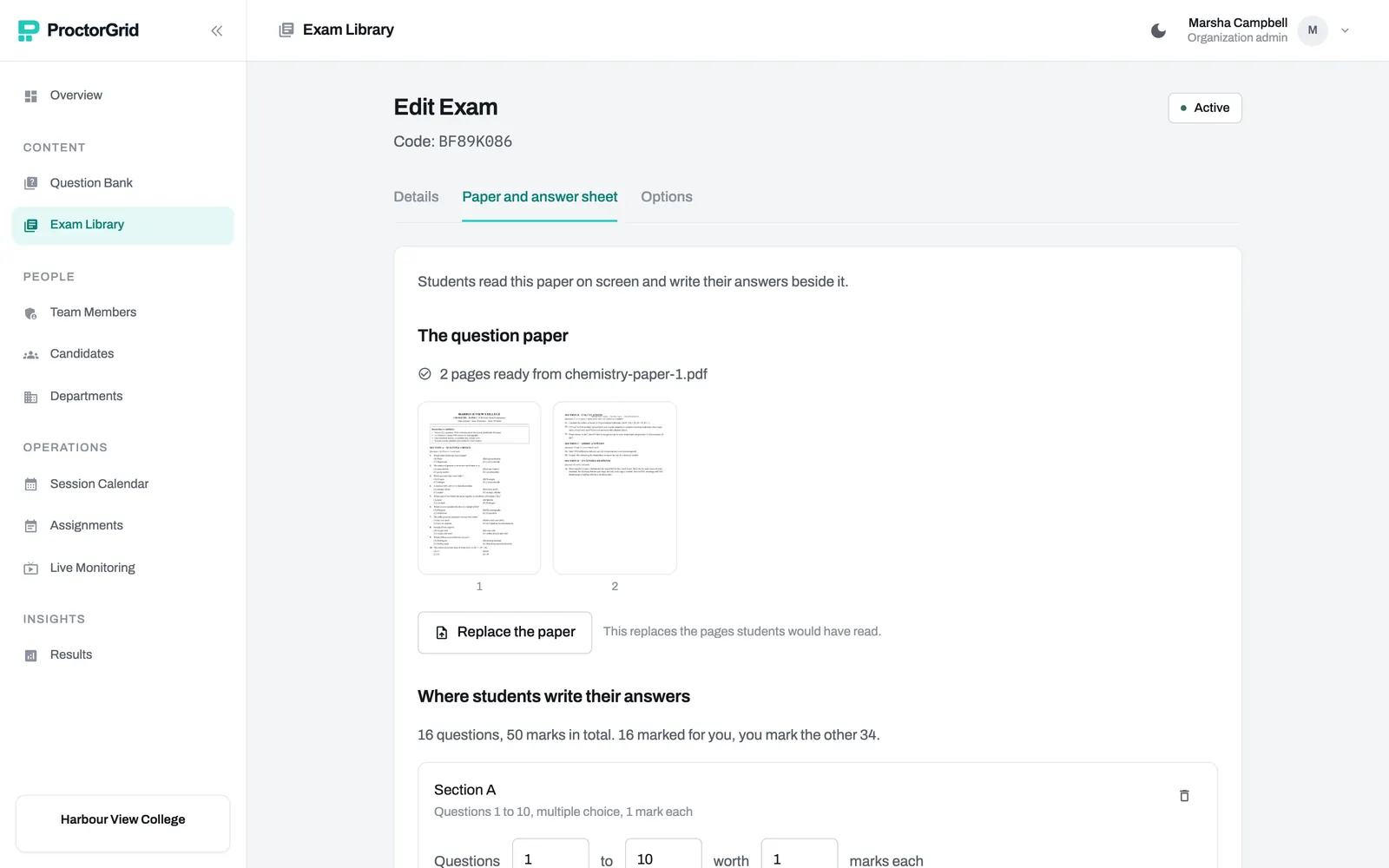
Build from a question bank or bring an existing PDF question paper. Set the timing, permitted tools, and monitoring requirements, then invite candidates with an exam code.
Mark and release
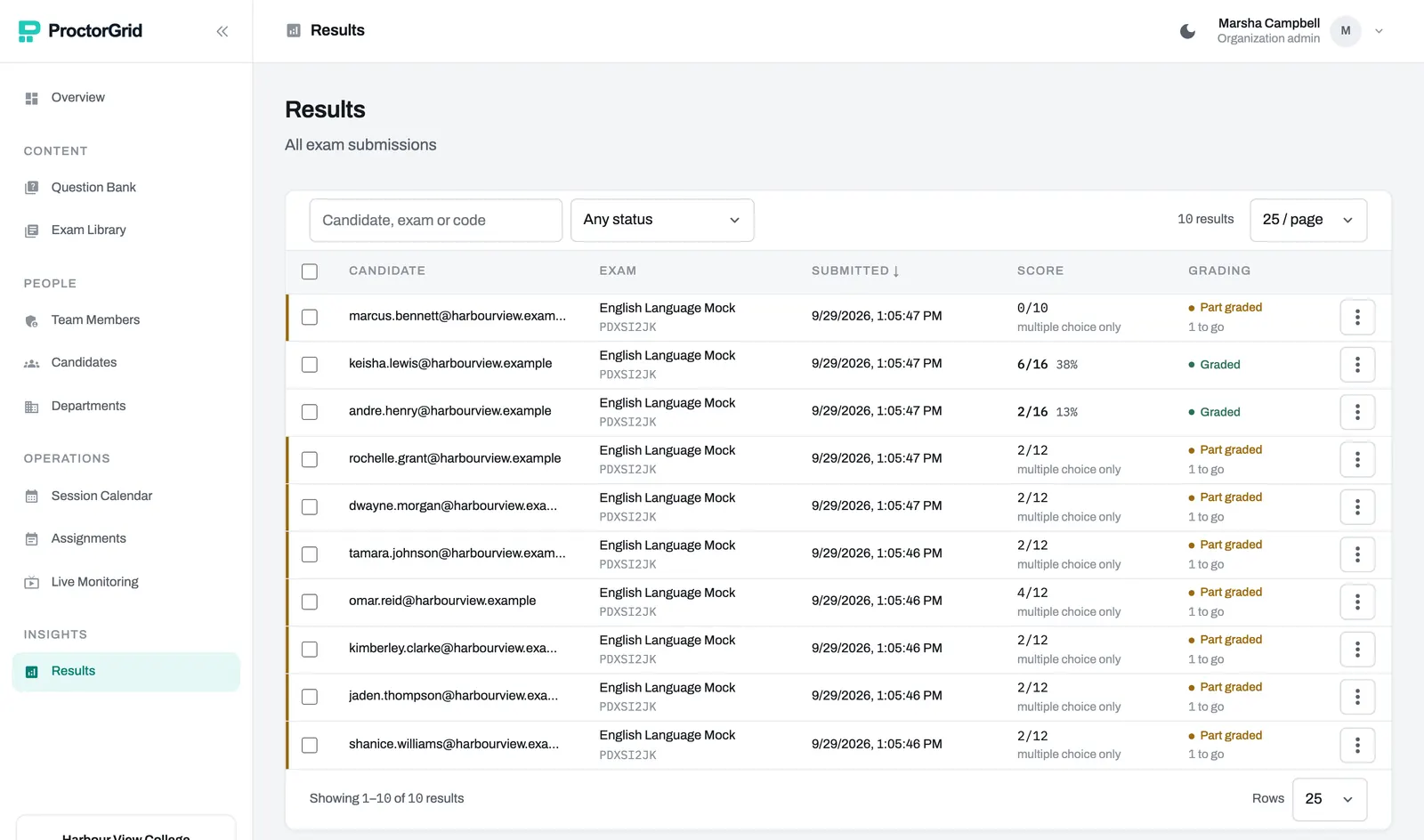
Automatically mark choice and numeric answers. Route written responses to your evaluators, review the evidence, and release results when your team is ready.
For candidates
They confirm their email, complete the required checks, and enter the exam.
Open your exam and verify your email with a one-time code.
Complete the device and identity checks required for your exam.
Answer, save as you go, and submit. Chat with a proctor when enabled.
Taking an exam today? Have your exam code and access to your email ready.
Start examGet in touch
Walk through your exam format, proctoring needs, and candidate journey with us.